- scrc.us.com
- Compare
- P1 vs Z3
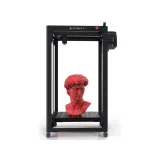
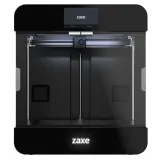
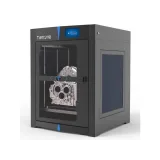
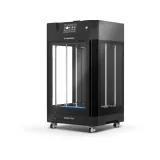
Optimus P1 vs Zaxe Z3
What P1 does better (5) and where Z3 wins (1) — every spec side by side.
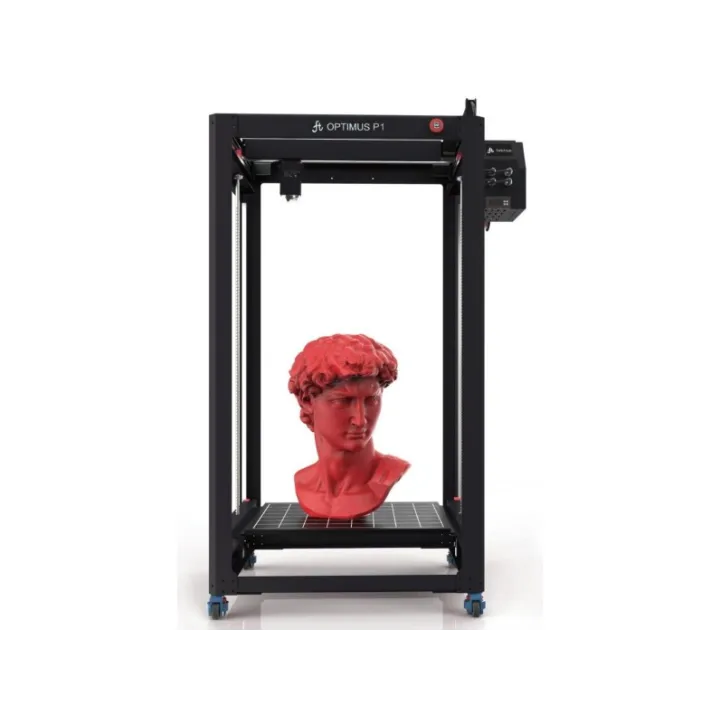
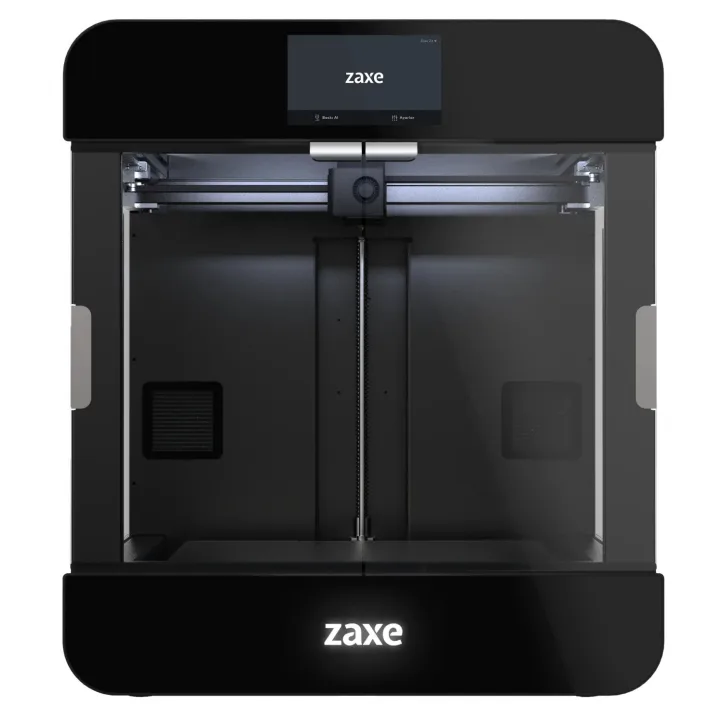
Why is P1 better than Z3?
- Build volume396 L vs 42 L9.4×
- Build height (Z)1,100 mm vs 350 mm3.1×
- Build depth (Y)600 mm vs 300 mm2×
- Build width (X)600 mm vs 400 mm+50%
- Number of supported materials6 vs 4+50%
Why is Z3 better than P1?
- Engineering materials (PA, PC, CF)No · P1: Yes
Specifications
Side by side
| General | ||
| Technology | FDM / FFF (filament) | — |
| Delivered as | Fully assembled | — |
| Build volume | ||
| Build width (X) | 600 mm | 400 mm |
| Build depth (Y) | 600 mm | 300 mm |
| Build height (Z) | 1,100 mm | 350 mm |
| Build volume | 396 L | 42 L |
| Print quality | ||
| Finest layer height | 0.05 mm | — |
| Extruder & hotend | ||
| Direct-drive extruder | Yes | — |
| Filament diameter | — | 1.75 mm |
| Supported materials | PLA, ABS, Wood PLA, Rubber, Flex (TPU), PETG. | ABS, PLA, PETG, Nylon |
| Number of supported materials | 6 | 4 |
| Engineering materials (PA, PC, CF) | No | Yes |
| Print bed | ||
| Heated bed | Yes | — |
| Max bed temperature | 100 °C | — |
| Enclosure | ||
| Enclosed build chamber | No | — |
| Connectivity & control | ||
| Connectivity | USB, SD card | — |
| USB | Yes | — |
| SD card | Yes | — |
| Screen size | 3.5″ | — |
| Touchscreen | Yes | Yes |
| Size & power | ||
| Width | — | 585 mm |
| Depth | — | 665 mm |
| Height | — | 667 mm |
| Weight | 55 kg | — |