- scrc.us.com
- Compare
- HTX vs Element HT
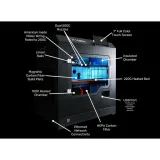
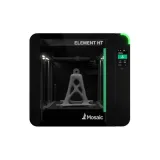
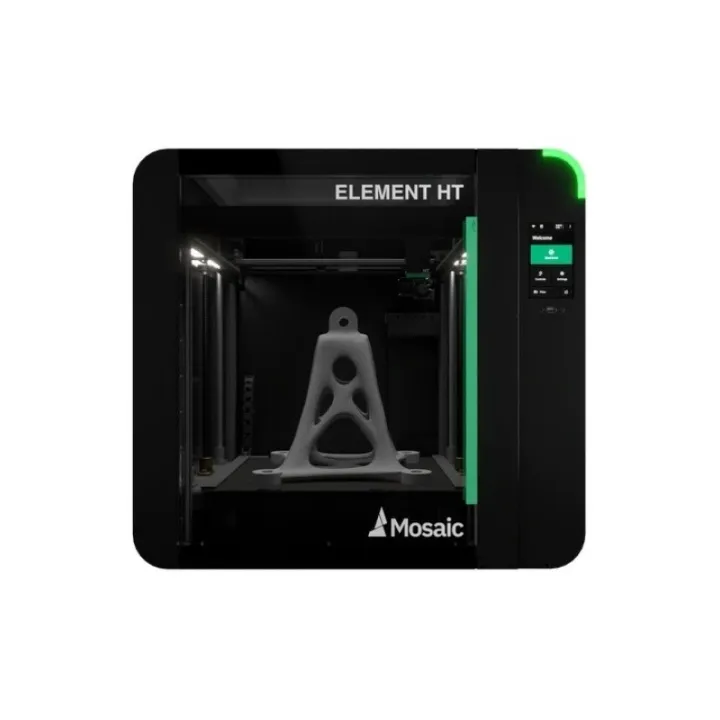
3DLabs HTX vs Mosaic Element HT
What HTX does better (3) and where Element HT wins (5) — every spec side by side.
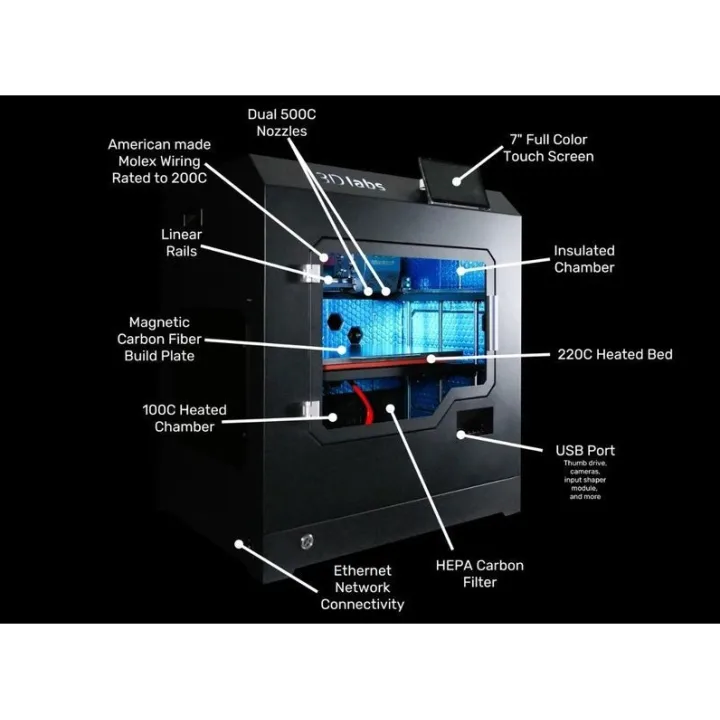
vs
9.7Material versatility9.1
8.9Build volume9.6
Why is HTX better than Element HT?
- Max bed temperature220 °C vs 120 °C+83%
- Screen size7″ vs 5″+40%
- Max chamber temperature100 °C vs 80 °C+25%
Why is Element HT better than HTX?
- Build volume31.5 L vs 44.7 L+42%
- Finest layer height0.04 mm vs 0.02 mm2×
- Number of supported materials6 vs 122×
- Build height (Z)300 mm vs 355 mm+18%
- Build depth (Y)300 mm vs 355 mm+18%
Specifications
Side by side
| General | ||
| Technology | FDM / FFF (filament) | FDM / FFF (filament) |
| Build volume | ||
| Build width (X) | 350 mm | 355 mm |
| Build depth (Y) | 300 mm | 355 mm |
| Build height (Z) | 300 mm | 355 mm |
| Build volume | 31.5 L | 44.7 L |
| Speed | ||
| Max print speed | — | 100 mm/s |
| Print quality | ||
| Finest layer height | 0.04 mm | 0.02 mm |
| Extruder & hotend | ||
| Max nozzle temperature | 500 °C | 500 °C |
| Default nozzle | — | 0.4 mm |
| Supported materials | ABS, ASA, PC, PEEK, PEI, PEKK | Mosaic PLA, Mosaic PETG, Mosaic Origin, Mosaic Matrix, Dissolve LT, Mosaic ABS, Mosaic ASA, Mosaic PEEK, Mosaic PEKK, Mosaic Ultem 9085, Mosaic ESD, TPE not supported |
| Number of supported materials | 6 | 12 |
| Engineering materials (PA, PC, CF) | Yes | Yes |
| Print bed | ||
| Heated bed | Yes | Yes |
| Max bed temperature | 220 °C | 120 °C |
| Enclosure | ||
| Actively heated chamber | Yes | Yes |
| Max chamber temperature | 100 °C | 80 °C |
| Connectivity & control | ||
| Connectivity | Ethernet, USB | Wi-Fi, Ethernet, USB |
| Wi-Fi | — | Yes |
| Ethernet | Yes | Yes |
| USB | Yes | Yes |
| Screen size | 7″ | 5″ |
| Touchscreen | Yes | Yes |
| Features | ||
| Filament runout sensor | Yes | — |
| Size & power | ||
| Width | — | 911 mm |
| Depth | — | 613 mm |
| Height | — | 633 mm |
| Weight | — | 43 kg |